

What A Tool Defines
The schema is part of the prompt contract. If the tool is vague, too broad, or missing required parameters, the model will usually make worse decisions.
How To Use Tools
1
Define or attach the tool
Add a tool to the prompt, or reuse an existing tool from the project.
2
Enable tool choice
Choose whether the model can call tools automatically, must call one, or should avoid tools for a run.
3
Test in Playground
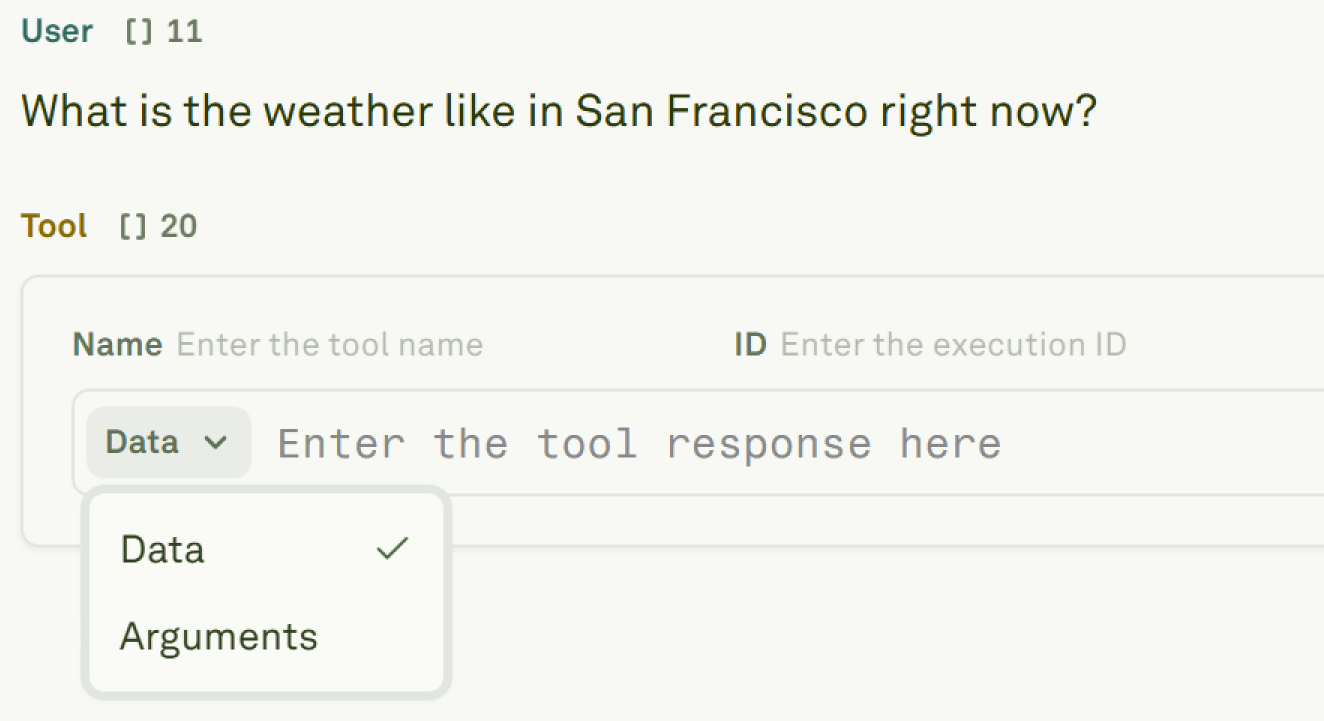
Run the prompt and inspect the tool call arguments, tool response, and final model answer.
4
Debug from logs
Use Monitor to inspect tool-call spans, latency, failures, and bad arguments from production traffic.
Tool Options
Tools and API variables are related but different. API variables fetch context before the prompt runs. Tools let the model decide during the run that it needs an external action or piece of data.
What To Check
When a tool-enabled prompt behaves poorly, start with the evidence:- Did the model choose the right tool?
- Did it send the right arguments?
- Did the backend return the expected response?
- Did the prompt use the tool response correctly?
- Did tool latency or errors affect the final answer?
Next Steps
Use tools in prompt
Define tool schemas and attach tools to prompts.
Tool calls in Playground
Test manual and automatic tool-call flows.
Use MCP servers
Connect prompts to remote MCP tools.
Analyze log spans
Inspect tool-call spans, arguments, responses, and timing.